
How to delete a Google search result when the page is already gone
A guide to removing cached snippets, old URLs, and deleted pages from Google search

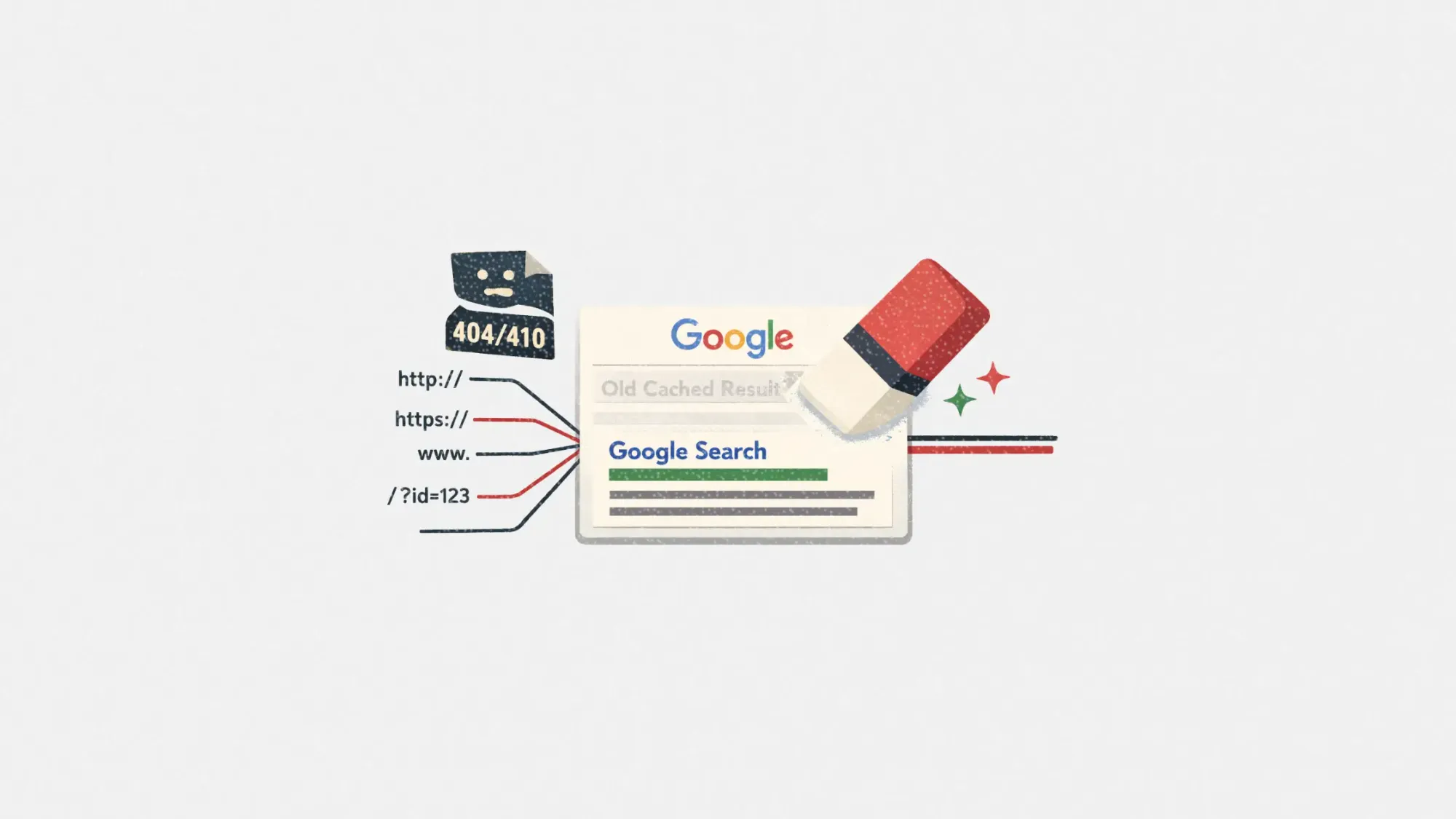
Learn how to remove outdated Google search results so you can clean up old listings, snippets, and cached versions without making a bigger mess.
If a page is deleted but still appears on Google, it usually means Google has not recrawled the URL yet, or it is still showing an older cached version. That can happen even when the page returns a 404 or the content was removed days ago.
The good news is you can usually fix this with the right tool and a little cleanup. The key is matching your situation to the right removal path, then covering common “gotchas” like URL variations and soft 404s.
This guide walks through the exact steps for:
- Cached snippets that still show old text
- Old URLs that now return 404 or 410
- Multiple URL versions (HTTP vs HTTPS, trailing slashes, parameters)
- Temporary removals vs permanent deindexing
What counts as an "outdated" Google result?
An outdated Google result is a listing where Google’s search page shows information that no longer exists on the live web page, or a URL that no longer exists at all.
Common examples:
- The page was deleted, but the result still shows in search
- The page exists, but the snippet still shows removed text (like a name, phone number, or paragraph)
- Google Images still shows an old image that was removed
- A URL variant (like with tracking parameters) still appears even though the “main” page is gone
Core pieces involved:
- The live URL status (404, 410, redirected, or active)
- Google’s cached copy and snippet
- Crawl timing (how quickly Google revisits that URL)
- URL variants and duplicates
Why removed pages can still show up on Google
A result can linger for a few reasons:
- Google has not recrawled the URL yet: Google may keep trying a deleted URL for a while, and there is no switch that forces it to “forget” instantly.
- The snippet is coming from an old cached copy: Even if the page is gone, Google may still show the last known title and description until it updates.
- You removed the page, but a copy still exists elsewhere: Scrapers, syndication, or cached mirrors can keep content alive under a different URL.
- You have multiple URL versions: HTTP vs HTTPS, www vs non www, trailing slash vs no slash, uppercase vs lowercase, and parameter URLs can all be treated as separate URLs.
- Soft 404s confuse the process: If your site shows a “not found” message but returns a 200 status, Google may treat it differently than a real 404.
The fastest fix depends on one question: do you control the site?
Before you do anything else, decide which lane you are in:
- If you control the website: Use Search Console tools and make sure the URL returns the right status code (404 or 410).
- If you do not control the website: Use Google’s Refresh Outdated Content tool.
Google provides separate guidance for this, and using the wrong lane is a common reason requests fail.
What to do if you do NOT control the website
If the page is already removed (or heavily edited) on a site you do not own, use Google’s outdated content workflow.
This is the most direct way to clear outdated Google results from the search listing when the live page is gone or significantly changed: clear outdated Google results
How it works (simple version):
- Copy the exact URL showing in Google.
- Submit it through the outdated content process.
- If the page is gone or the content is truly removed, Google can refresh the listing and drop the old snippet.
Tip: Submit every version you can find, not just one. If Google shows a URL with parameters, submit that exact version too.
What to do if you DO control the website
If you own the site, you have more control, but you also have more ways to accidentally slow things down.
Step 1: Make sure the URL returns the right status code
Use these rules:
- 404 (Not Found): Fine for most deleted pages.
- 410 (Gone): Stronger signal that the page is intentionally removed.
Also avoid “fake 404” pages that look like errors but return 200. That can create soft 404 issues in Search Console.
Step 2: Use Search Console Removals for a fast temporary hide
If you need the result to disappear quickly, use the Search Console Removals tool.
- Temporary remove URL: Hides the URL for about six months and clears the cached copy.
- Clear cached URL: Clears the cached snippet until Google recrawls.
This is not the same as permanent removal. It is a fast “get it out of sight” step while Google processes the longer-term signals.
Did You Know? Search Console’s Removals are temporary (about six months), so you still need the right status codes, redirects, or page changes for a lasting result.
Step 3: Request a recrawl (when it makes sense)
If the page still exists but you removed sensitive text, request reindexing after you confirm the live page is updated.
If the page is truly deleted, focus on returning a clean 404 or 410 and letting Google confirm it on recrawl.
Handle URL variations so you do not miss the real problem
This is where most “but it’s deleted!” situations get stuck.
Check for these common variants and treat each as its own case:
- HTTP and HTTPS
- www and non www
- Trailing slash vs no trailing slash
- Capital letters
- Parameters like ?utm_source= or session IDs
- Alternate paths (print pages, AMP pages, tag pages)
- Old subdomains
Quick workflow:
- Click the result that is still showing.
- Copy the exact URL from the browser bar.
- Test it in an incognito window.
- Test it in a header checker (confirm 404, 410, or redirect).
- Repeat for every visible variation.
What do content removal and reputation services do in this scenario?
If you are dealing with multiple URLs, scraped copies, or high-risk visibility (like branded searches), services can help coordinate the moving parts.
Common support includes:
- Technical verification: Confirming status codes, canonical tags, and soft 404 issues.
- Removal requests: Filing the right requests in the right order (outdated content vs Search Console removals).
- Publisher outreach: Contacting site owners when copies still exist elsewhere.
- Monitoring and cleanup: Tracking new variants and re-indexing events over time.
- Suppression planning: Building positive pages that outrank lingering results when removal is slow or uncertain.
Benefits of fixing outdated results the right way
Cleaning up old search listings is not just cosmetic. It can reduce confusion and protect trust.
- Less misinformation: Old snippets can mislead customers, partners, or employers.
- Fewer duplicate listings: URL variants can clutter branded search results.
- Cleaner click paths: Users stop landing on dead pages.
- Lower reputation risk: Old content often gets screenshot and shared, so acting early matters.
Key Takeaway: The goal is not just “hide it,” it is to get Google to refresh what it knows about the URL and its variants.
How much do these fixes cost?
Many cases are free if you can do the work yourself.
Typical cost ranges:
- DIY: Free (your time), plus possible dev time if you need status code or redirect fixes.
- Freelancer or SEO consultant: Often billed hourly for audits and Search Console support.
- Reputation or removal services: Usually priced as a project or monthly retainer, especially if the issue includes multiple sites, scraped copies, or suppression work.
Cost drivers:
- Number of URLs and variants
- Whether you control the site
- Whether copies exist on other domains
- How time-sensitive the removal is
- Whether you also need suppression support
How to choose the right fix
Use this step-by-step decision path.
- Confirm the page is truly gone
Check the live URL. If it loads, it is not gone. If it returns a real 404 or 410, you are in good shape.
- Identify who controls the site
If you do not control it, use the outdated content workflow. If you do, use Search Console tools and technical fixes.
- List every URL version you can find
Copy every variant from Google results, not just the “main” one.
- Choose speed vs permanence
If you need fast relief, use Search Console temporary removals first, then make sure the underlying URL status supports permanent dropping.
- Recheck in cycles
Many removals depend on recrawl timing, which can vary widely by site and URL importance.
Tip: If your site shows a custom “not found” page, confirm it returns a real 404 or 410, not a 200. Soft 404s slow everything down.
How to find a trustworthy service if you need help
If this is tied to reputation risk or you are seeing copies pop up, hiring help can make sense. Use these red flags to avoid bad actors.
Red flags:
- Guarantees of instant permanent removal: Crawl and index updates are not fully controllable.
- No explanation of which tool they will use: Outdated content and Search Console removals are not the same thing.
- They push suppression only, without checking removal options: Suppression can help, but it should not replace basic cleanup.
- They will not show you the exact URLs being targeted: You need transparency to avoid missing variants.
The best services for removing or reducing visibility of old results
- Erase.com
Best for: Coordinating removal workflows across outdated snippets, cache issues, and multi-URL cleanup, especially when you want a structured process.
- Push It Down
Best for: Suppression strategies when removals are slow, incomplete, or blocked, particularly for branded searches.
- Guaranteed Removals
Best for: Hands-on support with removal requests and publisher outreach when the content is off-site and you need persistence.
- Reputation Galaxy
Best for: Blending review, search, and brand visibility work when you want removal efforts paired with ongoing reputation support.
Remove outdated Google results FAQs
Why is a deleted page still showing on Google?
Usually because Google has not recrawled that URL yet, or it is still showing an older cached title and snippet. Google may keep trying deleted URLs for a period of time.
How long does it take Google to remove a deleted page?
It depends on how often Google crawls your site and that specific URL. Some updates happen quickly, others take longer, especially for low-traffic pages.
Should I use 404 or 410 for a removed page?
Both can work. A 410 is a clearer signal that the page is intentionally gone, while a 404 is the standard “not found” response. The most important thing is that you return a real error code, not a soft 404.
What is the difference between “Remove URL” and “Clear cache” in Search Console?
Temporary “Remove URL” hides the result for about six months and clears the cached copy. “Clear cache” clears the cached snippet until Google crawls the page again.
What if the result is gone, but a different URL still shows the old snippet?
That is usually a URL variation or a duplicate page. Track down the exact URL Google is showing (including parameters) and submit or fix that specific version.
Conclusion
If the page is already removed but still shows up on Google, you are usually dealing with timing, caching, or URL variations. The fix is matching the right tool to the right scenario, then being thorough about every version of the URL.
Start by confirming whether you control the site. Then use the outdated content path or Search Console tools, clean up soft 404 issues, and submit every variant you can find. If it is high-stakes or spreading across multiple sites, get help from a service that can document the URLs, run the right requests, and monitor ongoing changes.